, 7 min read, by Virginia SEO Co. editorial team
Virginia Beach Tourism Businesses: Planning SEO Around the Summer Season
Seasonal SEO for Virginia Beach rentals, charters, restaurants and attractions: winter fixes, spring pages and profile updates before Memorial Day.
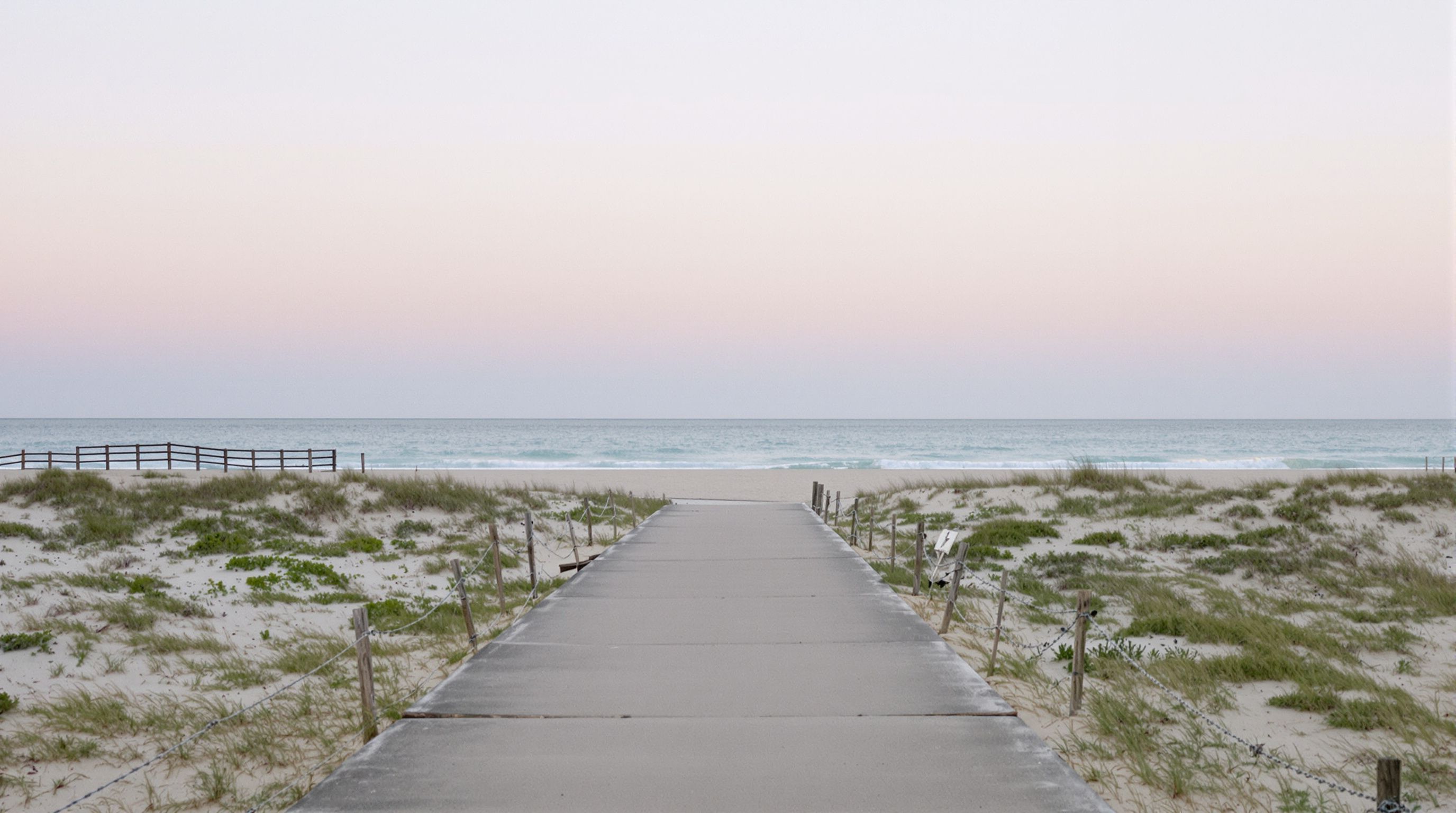
Plan your search work backward from Memorial Day. Fix the website and listings over the winter, publish the pages summer visitors will look for by early spring, switch your Google Business Profile to summer hours in May, and spend the season collecting reviews and photos instead of rebuilding anything. Then keep your shoulder-season pages live, because people keep searching after Labor Day.
The early start matters because new pages take time to be found and to settle in search results. Nobody can tell you exactly how long, and it depends on how many others want the same searches, but a page published the week before the holiday is up against pages that have been live, linked and visited for months. If you're reading this in mid-April, most of the steps below can still be done in time. Whatever can't, put on next winter's list.
Winter: fix what last summer broke
The quiet months are for repairs. Open your site on a phone and go through it the way a visitor would, from the home page to a finished booking or a call.
- Old dates and prices. Last season's rates, event dates and "book now for summer" banners with the wrong year make a site look abandoned.
- The booking path. If you use a booking or reservation tool, make a test booking from a phone. Check that the confirmation email arrives and that the dates and times are right.
- Menus and rate sheets locked in PDFs. A restaurant menu or a rental rate sheet in a PDF is hard to read on a phone. Put the main items on the page as text and keep the PDF as an optional download.
- Dead pages. Last year's event page, or a property you no longer manage, should either point to the closest live page or come down cleanly.
- Photo sizes. Large, uncompressed beach photos slow a page down. Resize them now, while nobody is trying to book.
Say you run a surf school at the Oceanfront (a hypothetical business). Winter is when you rewrite the lessons page so the age limits, lesson lengths, meeting spot and what to bring are all on the page in plain text, rather than in a photo of a chalkboard. In June it is likely to be the page people read most, often from the sand.
Early spring: publish the pages people will search for
By late February or March, the pages for the coming season should be live. Two kinds matter most for a Virginia Beach business: pages for the part of the city you serve, and pages for the things people book.
Area pages, only where you operate
Virginia Beach is one independent city, but visitors don't treat it as one place. The Oceanfront, Sandbridge and the Chesapeake Bay side are different trips, and people often search with the area's name.
- An Oceanfront page should cover what a visitor staying there needs from you: how far you are on foot, where to park, and how late you're open.
- A Sandbridge page suits rental companies and outfitters that work in that quieter community farther south: check-in times, what a rental house includes, what to bring, how to reach you on arrival day.
- A Bay side page covers the beaches along the Chesapeake Bay on the city's northern shore. If your charter heads out toward the Chesapeake Bay Bridge-Tunnel, or your restaurant is closer to the Bay than the ocean, that page is where you say so.
Write a page for an area only if you actually work there and have something specific to say about it: the properties you manage there, the dock you leave from, how to find you from the nearest main road. A Sandbridge page that is your Oceanfront page with the name swapped tells visitors nothing new and gives search engines no reason to show it.
Pages for what people book
One page for each thing you sell works better than a single "services" page. A charter company might need separate pages for half-day fishing trips, sunset cruises and private groups. An attraction might need a page for group and school bookings. A restaurant might need a page for private events and a plain, current page for hours and reservations.
Each of those pages should answer what a visitor asks before booking: how long it takes, what it costs or how pricing works, where to meet, what to bring, what happens if the weather turns, and how to book. Write the weather policy now. Atlantic hurricane season runs June 1 to November 30, so a coastal summer business needs a clear cancellation and rescheduling page before the first storm of the season, not after it.
If you serve more of the region than Virginia Beach, our page on SEO for Hampton Roads businesses explains how we plan coverage across the 757's cities.
May: get your Google Business Profile ready
Your profile is what people see when they search from a hotel room, a rental house or the car. Before Memorial Day weekend:
- Change your regular hours to summer hours on the day they start. Regular hours describe a normal week, so if your summer week differs from your winter week, update them when the season changes.
- Add special hours for Memorial Day, the Fourth of July and Labor Day. Google's help pages currently suggest confirming holiday hours even when they match your usual ones; check the current version.
- Look at "More hours" if part of your business keeps its own schedule, such as kitchen hours, takeout or a rental office's check-in window. Google's help currently describes this option for services with different times.
- Review the attributes Google offers for your category. Which ones appear depends on the category, so a restaurant may see options, such as outdoor seating, that a charter company won't. Fill in the ones that are true.
- Upload this year's photos: the boat, the rooms, the dining room, the storefront as it looks during the hours people visit.
- Post an update with the summer schedule and anything new this season.
Leave the business name alone. Adding "Oceanfront" or "Cheap Beach Rentals" to a profile name that isn't your real name is keyword stuffing, which breaks Google's guidelines and can get the profile suspended.
If you close for the winter, read Google's guidance on marking a business temporarily closed. It currently says to use "Temporarily closed" for off-season closures, and it notes that temporarily closed businesses can rank after open ones on broad searches. Reopen the profile, with summer hours, a week or two before your first day of the season rather than on the day itself.
Summer: collect, don't rebuild
From June through August, keep website changes small. A redesign in July puts the pages that bring bookings at risk during the weeks they matter most. Use the season to gather what will make next year's work easier.
- Ask every customer for a review, not only the ones who seemed happy. Asking only happy customers (review gating) and offering anything in return for a review both break Google's review policies. A card at checkout or a line in the follow-up email is enough.
- Reply to reviews within a few days, the good ones and the bad ones.
- Take photos as you go: the morning's catch, the rooms after cleaning, the view from the deck at sunset.
- Keep a running list of the questions people ask on the phone and at the counter. A question you hear every week deserves a line on a page next winter, and sometimes a page of its own.
The shoulder season: don't go dark
After Labor Day, plenty of tourism businesses stop updating anything online. Searches don't stop on the same schedule. People plan fall weekends, fishing trips and off-season rentals, and locals may be easier to reach once the summer crowd thins.
- Update your season pages instead of deleting them. Change the dates and prices but keep the same web address. A page that has been live for years keeps the links and history it has built, while a new address each year starts from nothing.
- Add a fall or off-season page if your offer changes: weekday rates, longer winter stays, a fall fishing schedule, a locals' night.
- Switch your profile hours back when the season ends, and set special hours for Thanksgiving and the winter holidays if you'll be open.
- If part of your trade is year-round residents, such as a restaurant near Town Center, give them a reason to find you in November as well as July.
When December comes around, open this list again and start with the repairs.
Mid-spring is a sensible moment to find out what a search engine sees on your site before the season starts. Send us your web address through the free site survey, and we'll reply with a short list of what to fix first, in the order that matters before Memorial Day.
Plan seasonal pages around clear destinations and the cost of maintaining the site: City, County or Region? Choosing Virginia Location Words; What Drives the Cost of a Small Business Website in Virginia.